Smart Home
Home Assistant and a 3D Floor Plan for Everyday Control
Understand what a Home Assistant dashboard can control, when native apps are still useful, and how a 3D floor plan fits the system.
2 min read
Start with useful controls
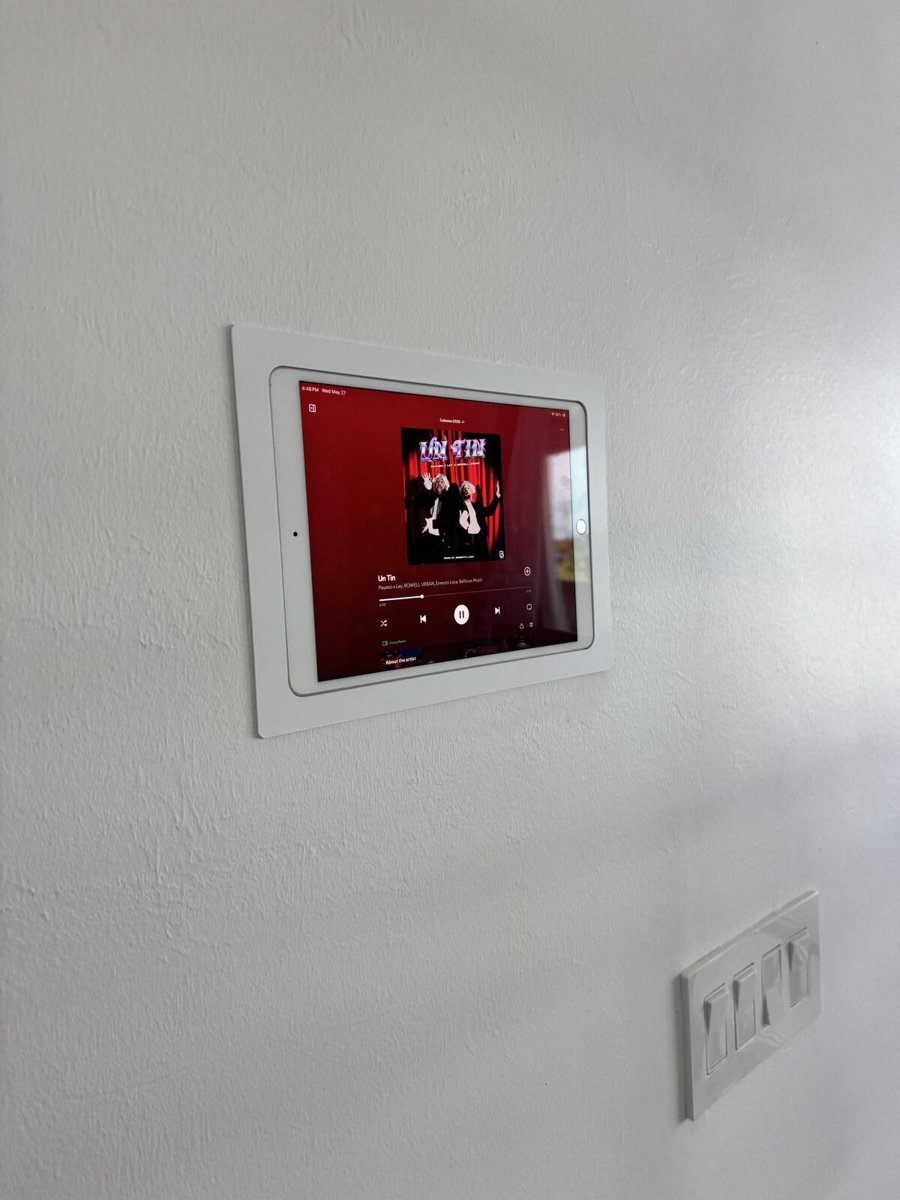
A smart-home dashboard is most valuable when it makes everyday tasks easier. A homeowner might tap a room to turn off its lights, check a supported thermostat, or select an exterior-light scene. A floor-plan view can make these controls easier to recognize, especially on a wall-mounted screen.
A 3D plan is an interface
A rendered house plan does not create equipment compatibility. Each visible control needs a supported integration and a real device or service behind it. Features vary by brand, model, firmware, network, and integration. A demonstration may show possibilities, but the installation scope must identify which functions are actually supported in your home.
Keep the native applications
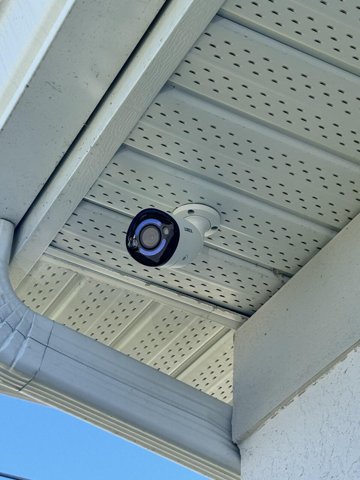
Home Assistant and manufacturer applications can complement each other. A supported dashboard may show a camera view or adjust music volume, while detailed playback searches, device setup, firmware updates, or certain music browsing functions remain easier or only available in the original app. We should explain these boundaries before installation, not after.
Define the controls room by room
List the exact functions you want in each room: lights on and off, dimming, a fan speed, thermostat adjustment, or a supported camera view. Then separate everyday controls from advanced settings. A night scene might switch interior lighting off and leave selected exterior zones on, but it should be tested with the actual devices and a manual fallback. Confirm who will maintain backups and integrations after delivery. A clear scope makes the screen useful without suggesting that every future device will work automatically.
Plan reliability and handover
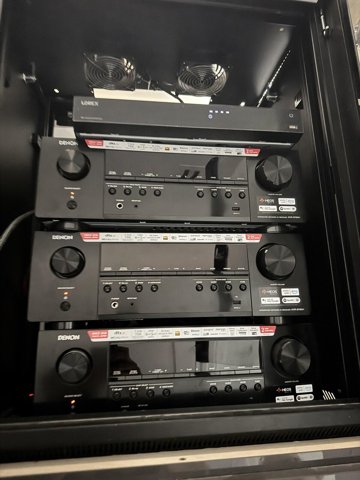
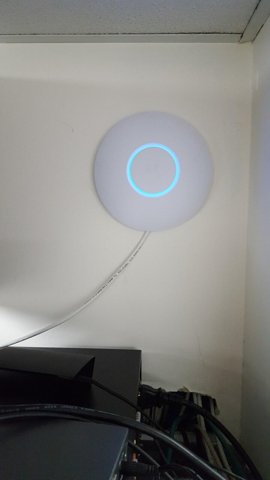
The network, server, backups, remote access, credentials, and recovery process deserve as much attention as the screen design. Local operation is possible for some integrations; cloud-dependent features can stop when their service or internet connection is unavailable. VoltWave Electric can plan a practical smart-home interface for Southwest Florida properties, with documented controls and a clear handover for the owner.
Planning a Naples smart home
For a Naples Home Assistant project, list the devices you already own and the scenes you want to control. A useful smart home automation proposal identifies supported integrations, basic wall controls, network needs and who will own the accounts and recovery information.
Discuss your project with VoltWave ElectricCommon questions
Can one app control every device?
Not automatically. We verify specific integrations and supported actions before including them in the scope.
Will the dashboard still work without internet?
Some local functions may continue, while cloud features may not. We test the intended behavior for the selected system.
Planning a project?
Schedule a consultation with VoltWave Electric or contact us to request an estimate. Share your city, the service you need, and a few project photos so we can discuss the next step.